Every business SMS in India shows a short name at the top instead of a phone number – for example AX-HDFCBK or JD-AMAZON. This name is called the Sender ID or Header. It is the first thing your customer sees, it tells them who the message is from, and under TRAI's DLT rules it must be registered before you can send a single message. This guide explains what a sender ID is, the rules for transactional and promotional headers, real examples, and how to choose a header you will be happy with for years.
What is an SMS sender ID (header)?
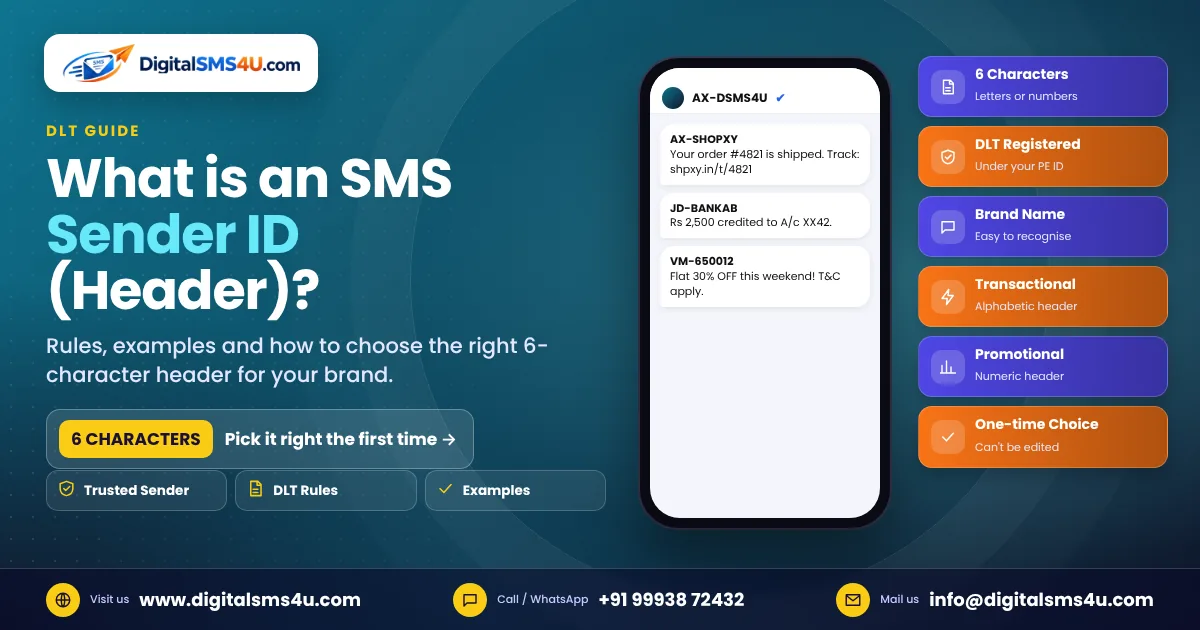
A sender ID is the name that appears as the sender of an SMS on the customer's phone. In India it has 6 characters, and the operator adds a short prefix in front of it. In AX-SHOPXY, for example, "SHOPXY" is your registered header and "AX" is added by the network (it shows the operator and telecom circle the message came through). You only choose and register the 6-character part.
Why the header matters
- Trust: customers recognise your brand instantly and are less likely to ignore or report the message.
- Protection from fraud: only you can send from your registered header, so fraudsters cannot easily copy it.
- Delivery: messages from an unregistered header, or a header that does not match the DLT template, are blocked by the operator.
Header rules under DLT
| Type of message | Header format | Example |
|---|---|---|
| Transactional (OTP, bank alerts) | 6 letters | BANKAB |
| Service (order updates, reminders) | 6 letters | SHOPXY |
| Promotional (offers, sales) | 6 digits | 650012 |
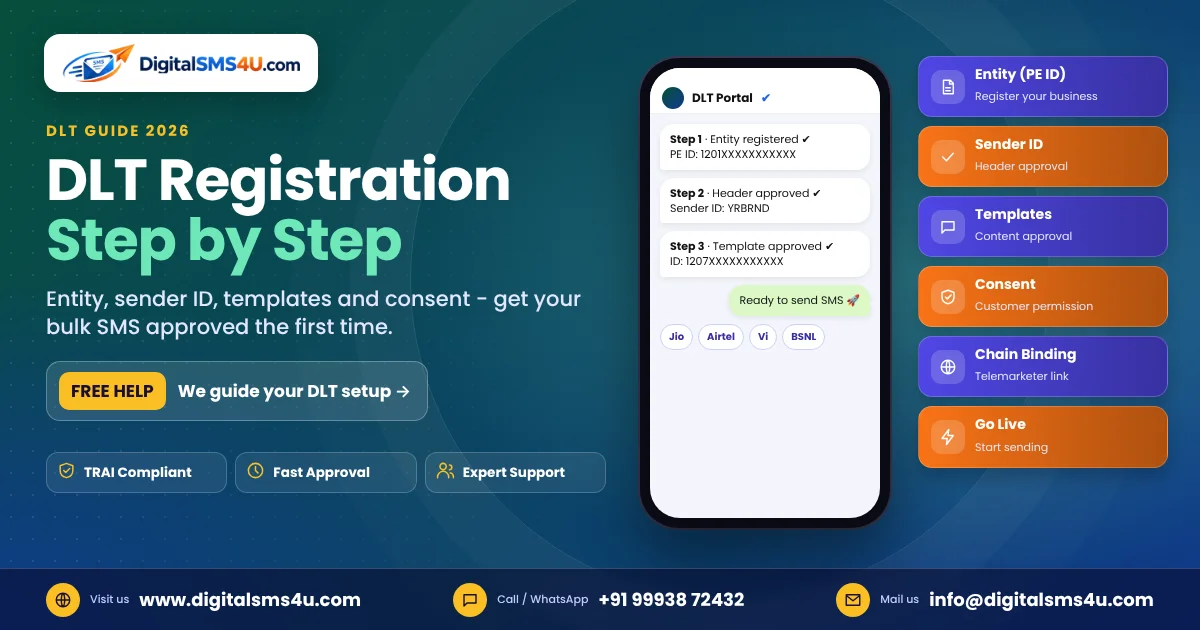
- The header is registered on a DLT portal under your Principal Entity (PE) ID. Registering on one operator's DLT portal is enough for all networks.
- The header should be related to your brand or business name. Generic words, other companies' names or misleading headers are rejected.
- Every SMS template you register on DLT is linked to a header. A message is delivered only when the header and the template match.
- TRAI has also introduced suffixes such as -P (promotional), -S (service), -T (transactional) and -G (government) to show the type of message; operators are rolling these out on their networks.
How to choose a good header
- Use your brand name. If it fits in 6 letters, use it as it is. If not, shorten it in a way people can still read: Digital SMS 4 U → DSMS4U, Sharma Electronics → SHRMEL.
- Keep it readable. Avoid random letters. Customers should be able to guess the company from the header.
- Avoid confusing look-alikes. Do not choose something that looks like a bank, government body or a famous brand – it will be rejected and can be treated as misuse.
- Think long term. A registered header cannot be edited later. You can register a new one, but your customers will already know the old one.
- Register more than one if needed. Many businesses keep one header for OTPs and alerts and another for service messages, plus a numeric header for promotions.
- Keep proof ready. If the header is close to your trade name, the GST certificate or trademark helps approval.
Good and bad header examples
| Business | Good header | Why avoid |
|---|---|---|
| Green Valley School | GVSCHL | SCHOOL – too generic |
| Raj Medical Store | RAJMED | MEDCIN – not linked to the brand |
| City Care Hospital | CTCARE | GOVHLT – looks like a government sender |
| Fresh Basket Grocery | FRSHBK | AMAZON – someone else's brand |
How to register a sender ID
- Complete your Principal Entity registration on any DLT portal (Jio, Airtel, Vi, BSNL or Videocon/SmartPing) with your GST, PAN and authorisation letter.
- After approval, log in and open Header / Sender ID registration.
- Select the category (transactional, service or promotional), enter the 6-character header and upload supporting proof if asked.
- Once the header is approved, register your content templates under it.
- Share your PE ID, header and template IDs with your SMS provider – and start sending.
Frequently asked questions
Can I change my header after registration?
No. A registered header cannot be edited. You can register a new header, but templates must be linked to it again.
Can I use the same header on all operators?
Yes. DLT data is shared between operators, so a header registered on one portal works on every network.
Why does my header show a different prefix (AX, JD, VM) on different phones?
The two-letter prefix is added by the network to show the operator and region the message passed through. Your 6-character header stays the same.
Can a promotional SMS use my brand name as the header?
Promotional headers are numeric under DLT rules. To show your brand name, use a service header with the right templates, or send offers through RCS or WhatsApp where your brand name and logo are shown.
Need help choosing and registering your header? Talk to our team – DigitalSMS4U helps you with DLT registration, headers and templates so your first campaign goes out without delays.