You are trying to log in, pay or verify your account – and the OTP simply does not arrive. You tap "Resend" again and again, the timer keeps running, and still nothing. It is one of the most common phone problems in India, and the good news is that it can almost always be fixed in a few minutes. This guide covers 12 fixes you can try on your phone, and a separate section for businesses whose customers are not receiving OTPs.
Why OTP SMS does not come
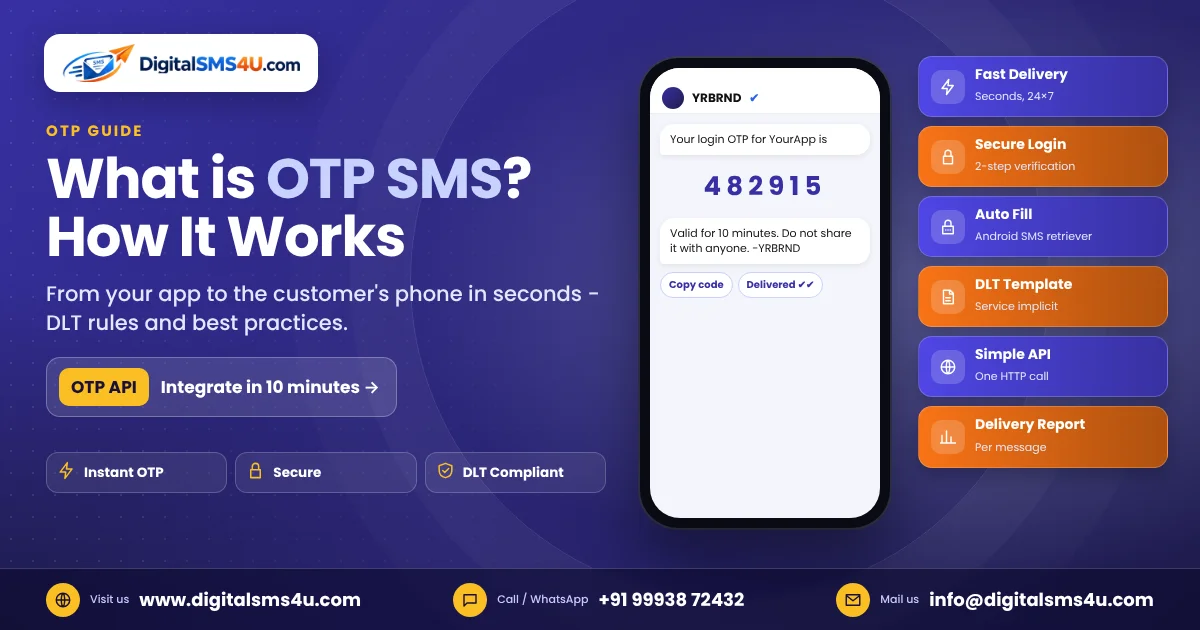
An OTP travels from the app or bank to an SMS provider, then to your telecom operator, and finally to your phone. A problem at any step can stop it. On the user side, the most common reasons are weak network, a full inbox, a blocked sender, the wrong number or SIM, or pressing "Resend" too many times.
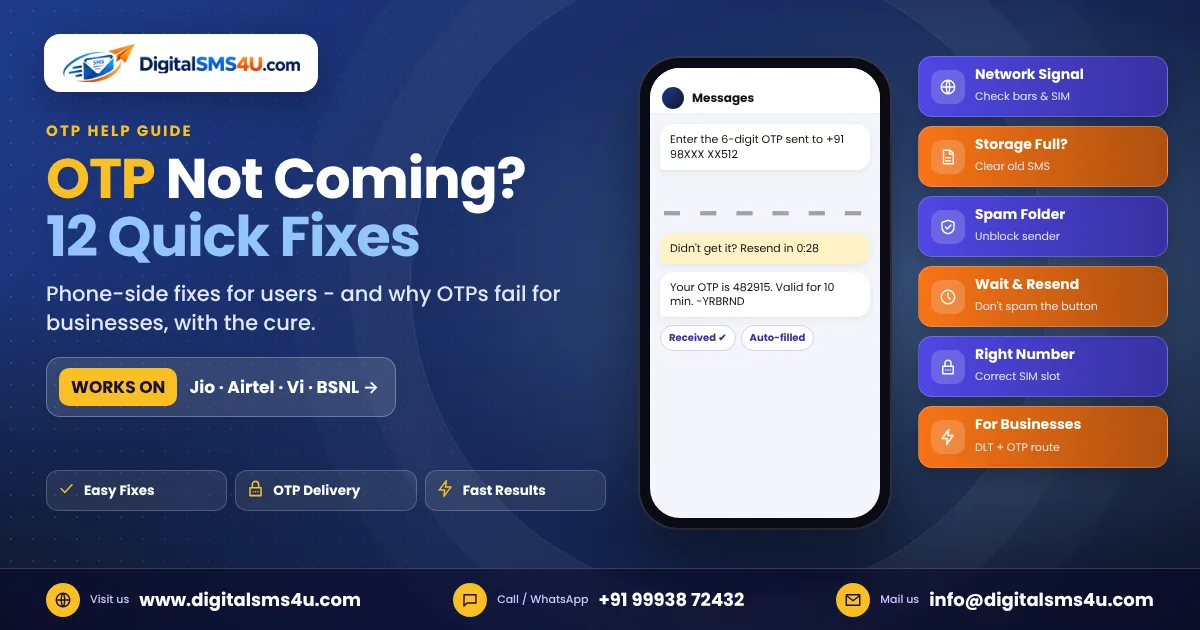
12 ways to fix OTP not received
- Check your network signal. SMS needs mobile network, not Wi-Fi. If you see one bar or no bars, move near a window or outdoors. In basements and lifts, OTPs are often delayed.
- Turn airplane mode on and off. Switch airplane mode on for 10 seconds, then off. This reconnects your phone to the tower and often delivers stuck messages at once.
- Restart your phone. A simple restart clears temporary network and app glitches.
- Check the number you entered. One wrong digit, or an extra 0 or +91, sends the OTP somewhere else. Read the number on screen carefully.
- Check the right SIM. On dual-SIM phones, the OTP goes to the number registered with the bank or app. Make sure that SIM is active and inserted.
- Look in the spam and blocked folders. In Google Messages, open the menu → Spam & blocked. On iPhone, check Filters → Unknown Senders or Junk. If you find the OTP there, mark it as "Not spam" so the next one comes to your inbox.
- Unblock the sender. If you once blocked a header like XX-BANKAB because of promotions, OTPs from the same sender are blocked too. Remove it from your blocked list.
- Free up storage. When the phone or SIM storage is full, new messages may not be saved. Delete old messages and unwanted files.
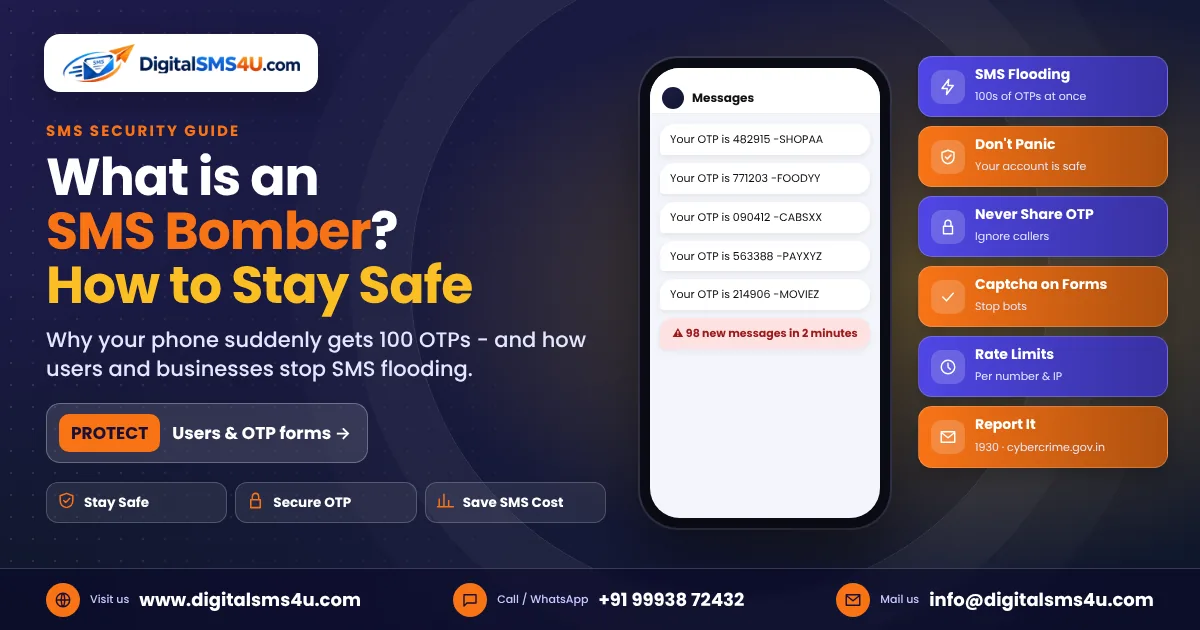
- Do not press "Resend" again and again. Many apps and banks temporarily stop sending OTPs to a number after too many requests – this protects against SMS bombing. Wait for the timer, then try once. If it still fails, wait 15–30 minutes before trying again.
- Check that your SIM can receive SMS. On prepaid numbers, outgoing and incoming services can stop when the plan validity ends. Make sure your plan is active. Also check that your default SMS app is set correctly in phone settings.
- Use the voice OTP or email option. Many apps offer "Get OTP on call" or email. Use it when SMS keeps failing.
- Contact the app or your operator. If no OTP arrives from any app, call your operator's customer care – there may be a network issue or a block on your number. If only one app fails, contact that app's support; the problem is on their side.
Does DND stop OTP messages?
No. Do Not Disturb (DND) blocks promotional messages. OTPs and bank alerts are sent as transactional or service messages, which reach DND numbers too. So you can safely keep DND active – see our guide on how to stop spam SMS.
OTP not received after porting the number or while roaming
- After porting (MNP): for a short time after a number moves to a new operator, some messages can be delayed. If the delay continues for more than a day or two, contact the new operator.
- International roaming: make sure roaming is active on your plan. Some services do not send OTPs to Indian numbers while they are abroad, so keep email or app-based verification as a backup.
For businesses: why your customers are not getting OTPs
If many customers complain at the same time, the problem is usually not their phones. Check these points:
| Cause | What happens | Fix |
|---|---|---|
| DLT template mismatch | The text sent does not match the approved template, so the operator blocks it | Send the exact approved text; only the variable part may change |
| Wrong or unapproved header | Messages from an unregistered sender ID are dropped | Use the header linked to the template on DLT |
| Wrong route | OTP sent on a promotional route is blocked for DND numbers and at night | Use a transactional / service route for OTPs |
| Links or numbers not whitelisted | Messages with URLs or call-back numbers not registered on DLT can be blocked | Register URLs and numbers used in your templates on DLT |
| Bot traffic | Attackers trigger thousands of OTPs, slowing real ones and raising your bill | Add captcha, rate limits and a resend timer |
| Slow or overloaded provider | OTPs arrive after they expire | Use a provider with a dedicated OTP route and live delivery reports |
Frequently asked questions
How long does an OTP take to arrive?
Normally a few seconds. During festivals, sales and network outages it can take longer. If it takes more than 2–3 minutes regularly, check the fixes above.
Why do I get the OTP after it has expired?
Weak signal or network congestion can hold the message for a while. Move to a better signal area, and request a new OTP only after the timer ends.
I am getting OTPs I never requested. What should I do?
Someone may have entered your number by mistake, or used an SMS bomber. Do not share any OTP with anyone who calls you. If a bank OTP arrives that you did not request, contact your bank immediately.
Are your customers complaining about OTPs? Talk to our team – DigitalSMS4U provides a dedicated OTP route, DLT template help and live delivery reports, so every OTP reaches your customer in seconds.